

iWeaver Quiz Game Generator
Create quiz games from notes, PDFs, lessons, and study topics with iWeaver. Make review more active and easier to repeat.
How to Use AI Quiz Game Generator?
Add Content
Upload notes, PDFs, slides, chapters, documents, or enter a topic.
Choose Goal
Tell iWeaver the subject, level, audience, or quiz purpose.
Generate Quiz
Create quiz questions, review prompts, and game-style learning tasks.
Why Choose iWeaver AI Quiz Game Generator?
Quick Quizzes
iWeaver turns study materials into quiz games without manual question writing.
Active Recall
Quiz practice helps learners test memory instead of only rereading notes.
Real Content
Questions can come from your own lessons, notes, PDFs, and study topics.
Flexible Use
Use iWeaver for class review, self-study, tutoring, or group challenges.
Better Review
Game-style practice makes repeated learning feel more interactive and focused.
Use Cases for AI Quiz Game Generator

Exam Practice
Students can upload notes, study guides, or PDFs and use iWeaver to create quiz games before exams. The generated questions help learners test memory, identify weak areas, and repeat important concepts more actively.
Create Quiz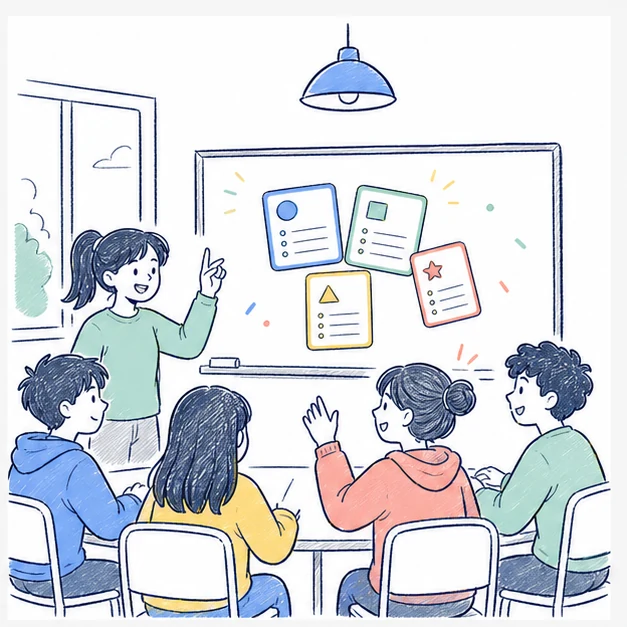
Class Review
Teachers can turn lesson materials into quiz games for classroom review. iWeaver helps create questions from real content, making it easier to warm up a class, check understanding, or close a lesson.
Start Class
Self Study
Independent learners can create quiz games from chapters, notes, or topics after studying. iWeaver makes review more active by turning passive reading into questions, prompts, and repeatable practice sessions.
Practice Now
Group Games
Study groups can use iWeaver to create shared quiz games from common learning materials. The questions give members a simple way to practice together, compare answers, and discuss difficult concepts before tests.
Play TogetherMore Interactive AI Learning Tools to Explore
Extend your AI Study Game Generator workflow with three related AI agents for more effective learning and study support.
AI Learning Game
Make learning more engaging through interactive activities created with AI Learning Game.
Gamified Learning Tool
Receive personalized learning guidance and practical support from Gamified Learning Tool.
Educational Game Generator
Make learning more engaging through interactive activities created with Educational Game Generator.