

iWeaver Class Notes Coach
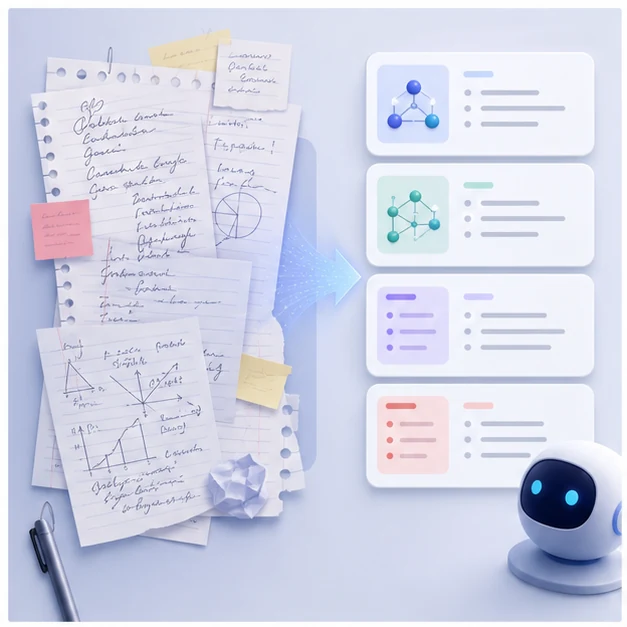
Use iWeaver to organize class notes, PDFs, slides, and lecture materials into summaries, key points, and review-ready study notes.
How to Use AI Class Notes Learning Coach?
Upload Notes
Add class notes, PDFs, slides, chapters, handouts, or documents.
Set Focus
Tell iWeaver the subject, topic, exam goal, or weak area.
Review Output
Get summaries, key points, organized notes, and study tasks.
Why Choose iWeaver AI Class Notes Learning Coach?
Organized Notes
iWeaver turns scattered class notes into clearer summaries and review-ready structures.
Key Points
Important concepts, terms, and examples become easier to identify and revisit.
File Support
Use notes, PDFs, slides, handouts, and documents from real classes.
Review Tasks
iWeaver helps turn class materials into actions for studying, checking, and repeating.
Exam Ready
Students can prepare faster with organized notes and focused review points.
Use Cases for AI Class Notes Learning Coach
Lecture Review
Students can upload class notes after lectures and use iWeaver to organize the main ideas. The output helps turn messy notes into summaries, key points, and study tasks that are easier to revisit.
Organize Notes
Exam Prep
Learners preparing for exams can turn notes, handouts, and slides into structured review materials. iWeaver helps identify important concepts, organize weak areas, and create a clearer path for focused study sessions.
Start Review
Missed Class
Students who missed a class can upload shared notes or slides and use iWeaver to understand the main points. Structured outputs make it easier to catch up without reading everything repeatedly.
Catch Up
Group Notes
Study groups can combine notes from different members and use iWeaver to create shared summaries. This helps the group compare understanding, fill gaps, and prepare together before quizzes or exams.
Study TogetherFAQs About AI Class Notes Learning Coach
Organize Class Notes Faster
Use iWeaver to turn class notes into summaries and review tasks.
Organize Notes