

Educational Game Generator by iWeaver
Turn lessons, notes, and topics into educational games with iWeaver. Create classroom activities, review games, and interactive learning tasks.
How to Use Educational Game Generator?
Add Materials
Upload lesson notes, PDFs, slides, documents, or enter a learning topic.
Choose Goal
Tell iWeaver the audience, subject, difficulty level, or activity purpose.
Generate Activities
Create quiz prompts, review challenges, or interactive learning tasks.
Why Choose iWeaver Educational Game Generator?
Fast Activities
iWeaver helps create game-style review activities quickly from existing lesson materials.
Active Review
Game-based tasks help learners revisit ideas through challenges, not passive reading.
Real Materials
Use notes, slides, PDFs, and topics that already match the lesson context.
Flexible Settings
Support classrooms, tutoring sessions, study groups, homework, or independent review.
Better Engagement
Interactive activities help learners stay involved and remember study content more clearly.
Use Cases for Educational Game Generator
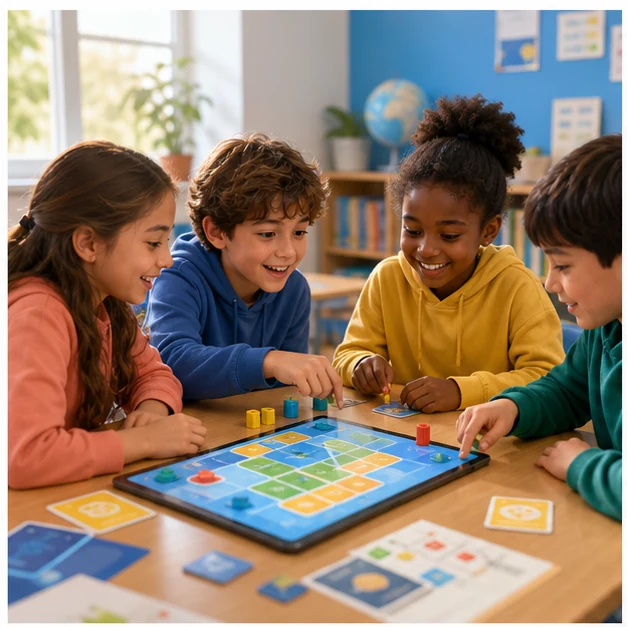
Class Games
Teachers can turn lesson content into classroom review games that help students participate more actively. iWeaver creates question prompts and learning challenges from notes or topics, making it easier to prepare activities before class.
Create Game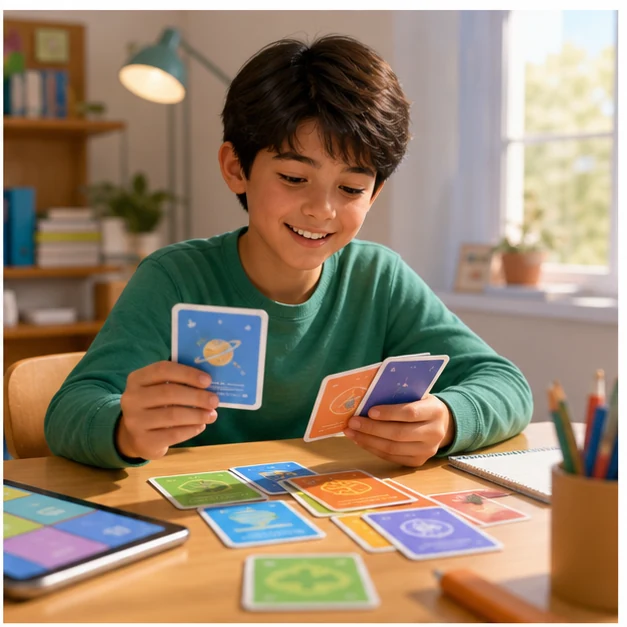
Homework Practice
Students can use iWeaver to turn homework topics into interactive practice activities. Game-style tasks make repeated review feel less mechanical while still helping learners check understanding and prepare for upcoming lessons.
Start Practice
Tutor Warmups
Tutors can generate quick learning games from a student's notes, worksheets, or current topic. iWeaver helps create warmup activities that reveal what learners remember before moving into deeper instruction.
Build Activity
Group Review
Study groups can use iWeaver to turn shared materials into friendly competitions or review challenges. The generated activities help members practice together, compare answers, and revisit difficult concepts before exams.
Play TogetherFAQs About Educational Game Generator
Create Educational Games
Use iWeaver to turn lesson content into active educational games.
Create Game