

AI Study Guide Generator for Exams by iWeaver
Use this AI study guide generator for finals to turn notes, lecture slides, textbook pages, or YouTube links into key points, summaries, an outline, and exportable structured output for quiz, midterm, and final review.
How to Use the AI Study Guide Generator
Upload Files
Add notes, slides, PDFs, textbook pages, photos, or links that match your exam topic and syllabus.
Generate Guide
Let iWeaver organize the material into sections, key concepts, formulas, and quiz-ready topics for review.
Review Export
Edit missing points, then export a study guide in doc, pdf, markdown, xmind, or svg.
Why use an AI Study Guide Generator for Exams?
Multiple Inputs
Combine notes, slides, PDFs, textbooks, photos, and links in one workflow, so scattered class materials become a single exam-ready source of truth.
Focused Output
iWeaver extracts key concepts, formulas, topics, and themes, then groups them by unit or exam section and highlights what to study first.
Flexible Export
Export the result as doc, pdf, markdown, xmind, or svg, so you can read it, share it, or keep refining it across devices.
Fast Setup
Start from a single file or several sources, then generate a structured study guide without rebuilding your notes by hand before exam day.
Shareable Notes
Keep the study guide editable, then share it with classmates for group review, question prep, and last-pass revision from the same source files.
Use Cases for Exam Study Guides

Final Week
You have lecture slides, class notes, and textbook chapters spread across the semester, but finals need one clear review path. iWeaver combines the files, pulls out key points and summaries, and gives you a structured study guide you can export and share.
Start Review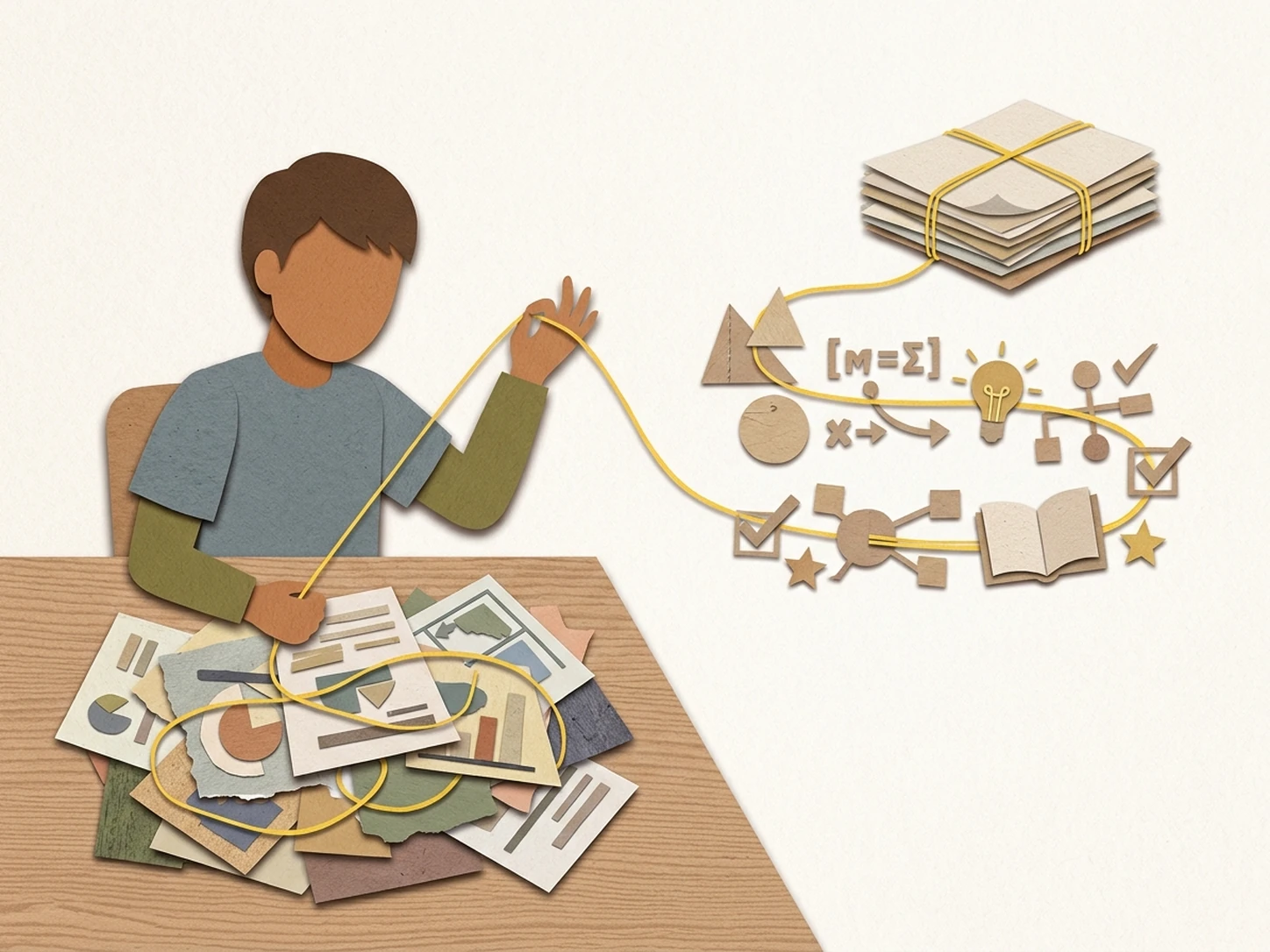
Unit Prep
Your AP or IB unit materials may include slides, readings, and worksheets, but you need the next test narrowed to one topic. iWeaver groups the content by unit, surfaces formulas and themes, and exports a focused study guide for targeted practice.
Generate Unit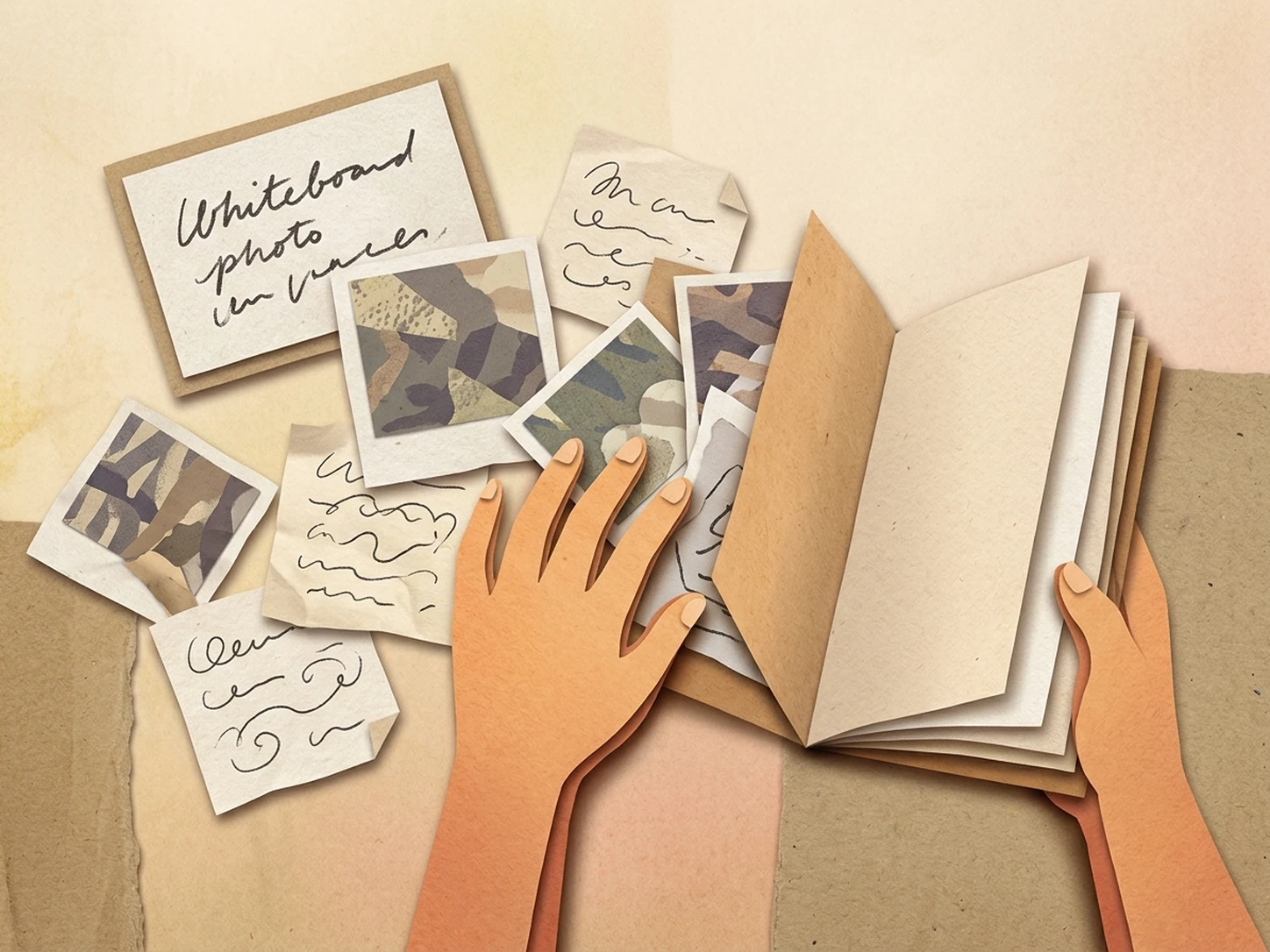
Photo Notes
You may only have handwritten notes, whiteboard photos, or screenshots after class, and they are hard to study from directly. iWeaver reads the images, organizes the content into readable sections, and creates a clean review guide for quiz prep before exams.
Clean Notes
Group Share
Study groups often collect different PDFs, links, and lecture exports, then waste time reconciling mismatched notes. iWeaver merges the sources into one shareable study guide, so everyone reviews the same topics, key concepts, and practice-ready outline before the exam as a group.
Share GuideFAQ Questions
Start Your Study Guide
Generate an exam-ready guide from notes, slides, and PDFs with 3 free uses daily.
Generate Now