

iWeaver Video Learning Coach
Use iWeaver to turn video lessons and learning materials into summaries, key points, timestamps, and review-ready notes.
How to Use AI Video Learning Coach?
Add Video
Upload video materials, notes, PDFs, slides, or related documents.
Set Focus
Tell iWeaver the topic, lesson goal, or review need.
Review Notes
Get summaries, key points, study tasks, and video-based notes.
Why Choose iWeaver AI Video Learning Coach?
Video Summaries
iWeaver turns video lessons into clearer summaries and key learning points.
Faster Review
Learners can revisit important ideas without replaying full videos repeatedly.
Study Notes
Video content becomes structured notes, review prompts, and learning tasks.
Mixed Inputs
Use videos alongside PDFs, slides, notes, and documents for better context.
Learning Focus
iWeaver helps organize video lessons around topics, goals, and weak areas.
Use Cases for AI Video Learning Coach

Video Lessons
Students can upload video lessons and use iWeaver to extract summaries, key points, and review tasks. This helps learners study video content without replaying the full lesson every time they need a refresh.
Summarize Video
Online Courses
Learners taking online courses can turn long modules into structured study notes. iWeaver helps capture important ideas, organize concepts, and create review prompts for more efficient course progress.
Start Course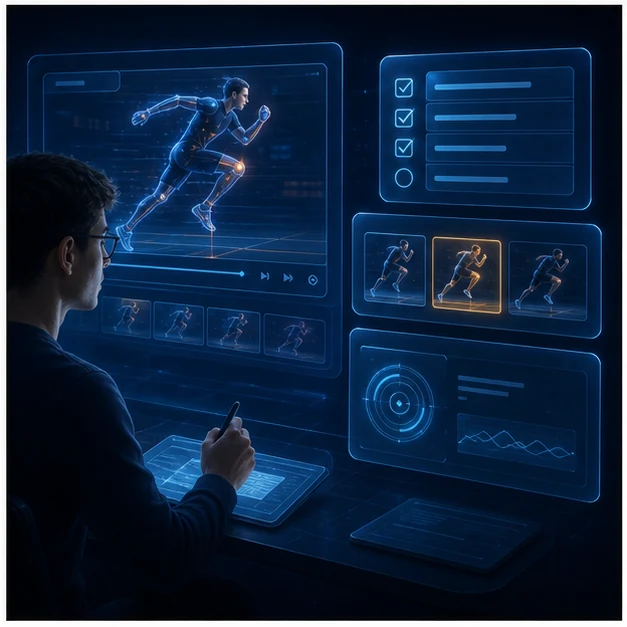
Training Review
Professionals can use iWeaver to summarize training videos and workshops. The output helps capture procedures, key lessons, and follow-up tasks that are easier to revisit after the session.
Build Notes
Exam Prep
Students can process recorded lessons before exams and turn them into focused review notes. iWeaver helps identify key ideas, weak areas, and study prompts from video-based learning materials.
Review Now